When Exit Intent Popups Are Worth Using

Exit popups work best on pages where visitors leave with measurable intent gaps. A few examples:

Cart and checkout pages. Shoppers who add items but don't complete checkout are the strongest exit-popup candidates. A small incentive often closes the gap.

Pricing pages. Visitors who scroll the pricing tiers and start to leave are evaluating, not just browsing. A trial extension or demo offer can shift the decision.

Blog and content pages. Readers leaving a long-form article are warm leads for related content, lead magnets, or newsletter signups.

Product detail pages. Indecisive shoppers benefit from a reminder of return policy, free shipping thresholds, or stock urgency.

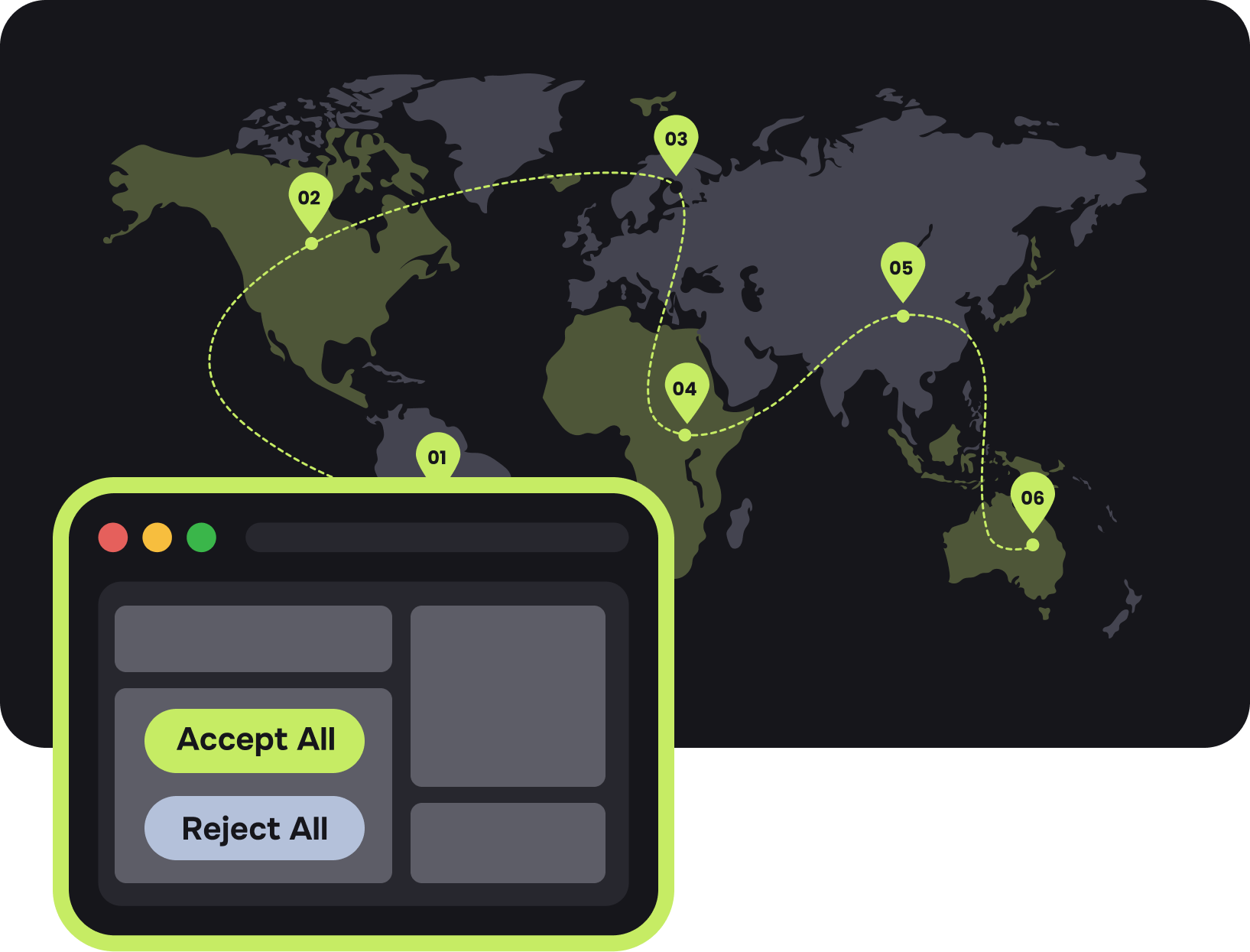
Privacy Laws Illustration

Why Geo-Targeting Changes the Outcome

A generic exit popup shows the same offer to a shopper in Berlin and a shopper in Texas. They see the same currency, the same language, the same shipping promise — even though almost nothing about their context is the same.

Geo-targeted exit popups change that. The same trigger fires, but the content adapts:

Currency Prices and discounts display in the visitor's local currency, removing the mental conversion step.

Language. Copy switches based on country, without separate landing pages. Offer. Free shipping shows only in regions where you can deliver it. Local promotions appear during regional holidays.

Compliance. EU visitors see GDPR-compliant consent fields; California visitors see CCPA notices.

Logistics. Shipping times and warehouse references match the visitor's region.

Features of an Exit Popup Software

A useful exit-intent popup tool covers a few core areas:

Location targeting. Rules by country, region, city, or postal code, with fallback variants for visitors outside defined zones.

Behavioral conditions. Combine geo rules with traffic source, page type, returning vs. new, or device.

Form fields. Static or dynamic forms, with fields that can auto-fill detected city, country, or currency.

Frequency control. Cookie duration and caps on how often a visitor sees the popup.

Analytics. Impressions, conversions, and dismissals per variant and per region.

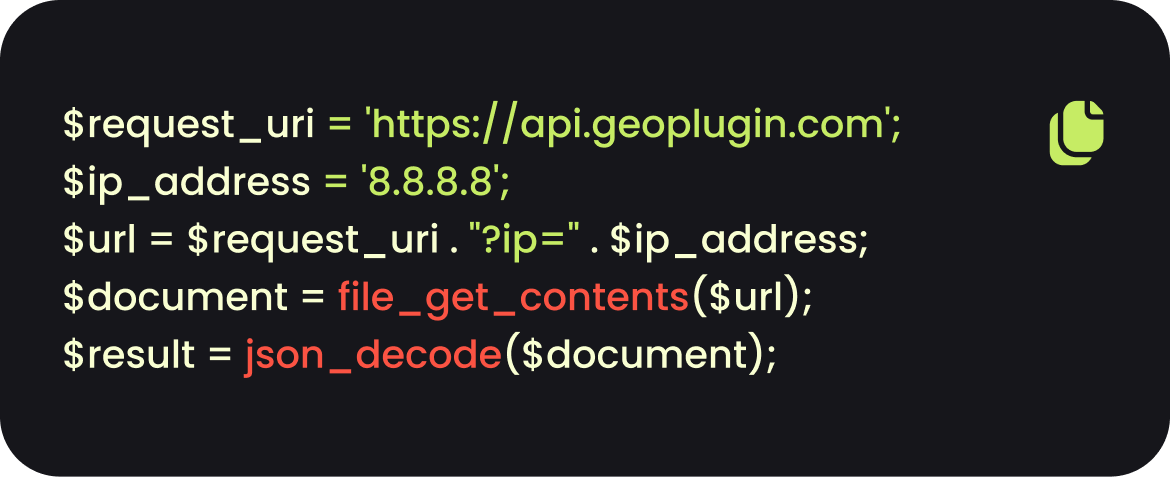
Integration. One-line install, with code samples in JavaScript, PHP, ASP, XML, and JSON. Compatibility with WordPress, Shopify, Webflow, Squarespace, and custom builds.

Smart Geolocation Segmentation

How To Use Our Exit Intent Softwares

Using our exit intent software is pretty straightforward. All you have to do is follow the steps below:

01

Sign up and get an API key

Free account, no credit card required.

02

Select pages.

Choose where the popup runs — site-wide, specific URLs, or rule-based (for example, only on product pages).

03

Set location rules.

Define which countries, regions, or cities each variant targets. Add a fallback variant for unmatched visitors.

04

Design the popup.

Adjust copy, colors, images, and form fields. Preview on desktop and mobile.

05

Configure trigger behavior.

Set a minimum dwell time before the popup is eligible to fire (5–10 seconds is a common starting point), cookie duration, and frequency cap.

06

Add the tracking code.

Paste one line of JavaScript into your site footer.

07

Publish and review.

Watch conversion data per region, then iterate on the variants that underperform.

Best Practices

A few principles tend to separate popups that lift conversion from popups that get dismissed:

Load the consent script before anything else.

Match the offer to the page.

A blog reader wants a related download, not a discount code. A pricing-page visitor wants a demo, not a newsletter. Page-level targeting matters more than headline polish.

Don't use pre-ticked boxes in GDPR regions.

Keep forms short.

Email-only forms typically convert 2–3× better than multi-field forms in exit context. Capture the email first, enrich the profile later.

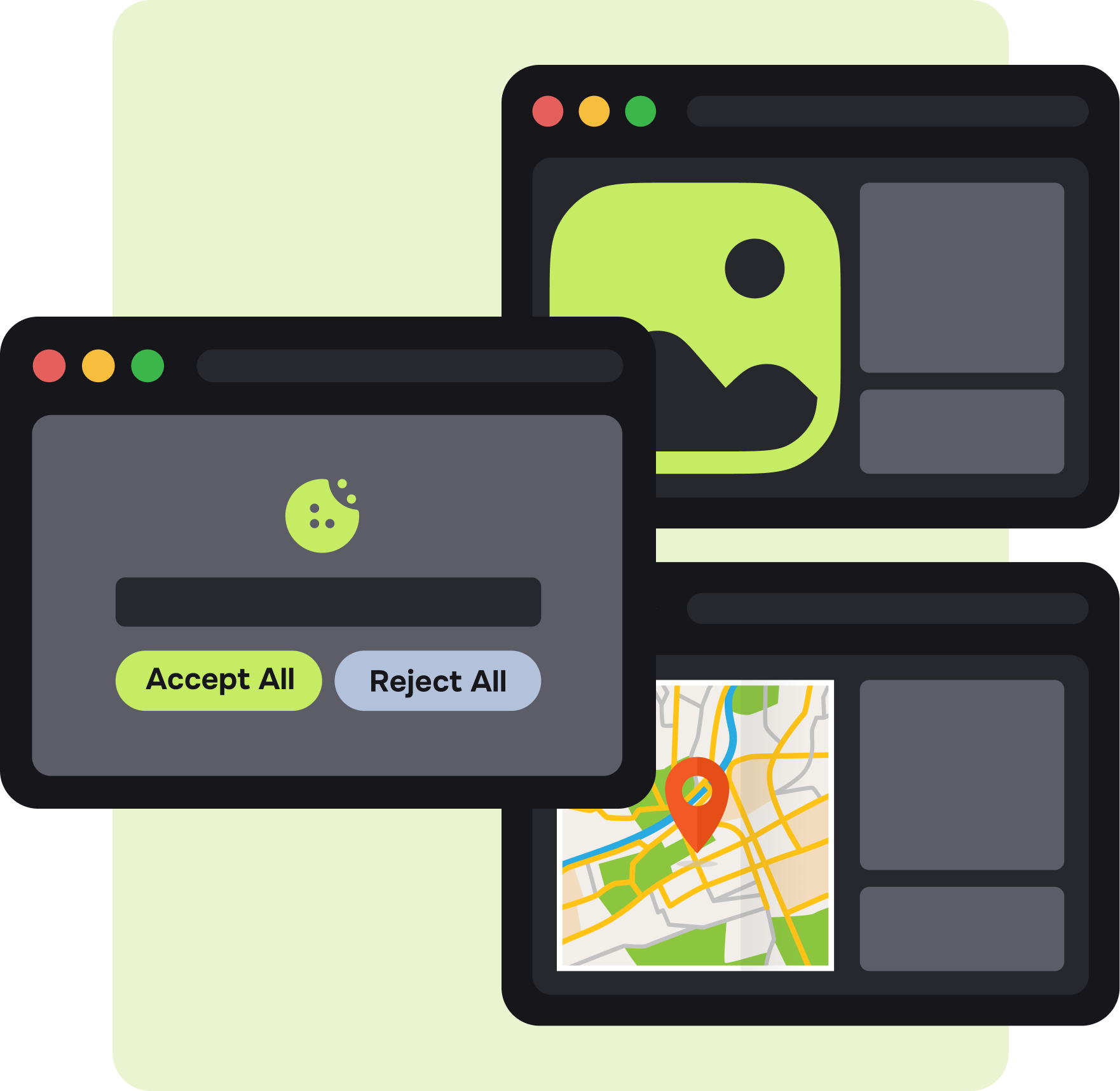
Make reject as easy as accept.

Don't fire too early.

Visitors who land and immediately bounce were probably on the wrong page. Firing the popup on them wastes the impression.

Make reject as easy as accept.

Make reject as easy as accept

Equal-prominence buttons are the safer default.

Cap the frequency.

Once per visitor every 7 days is a reasonable default. Returning visitors who already dismissed the popup don't need to see it again right away.

Test localized vs. generic.

The lift from geo-targeting depends on your audience mix. A 50/50 split test over two weeks gives you a defensible answer.

Watch mobile UX.

Google's intrusive interstitial guidelines penalize popups that block content on page load. Exit-triggered popups generally fall outside that scope, but full-screen mobile takeovers are still risky — keep them dismissible.


Start in just a few clicks
Get Started
capterra rating Geoplugin
rating starts
google rating Geoplugin
rating starts
google rating Geoplugin
rating starts