
Privacy Laws by Region

Privacy regulation isn't uniform across countries, and the differences matter for how your banner should behave. Below are the major frameworks that shape consent design today:

GDPR (EU and EEA, plus UK GDPR). Requires opt-in consent before non-essential cookies load. Pre-ticked boxes are not allowed. Reject must be as easy as accept.

CCPA / CPRA (California). Requires a "Do Not Sell or Share My Personal Information" link and disclosure of data practices. Opt-out model rather than opt-in.

LGPD (Brazil). Requires transparent data collection and user control over personal data, with explicit consent for processing.

PIPEDA (Canada). Requires meaningful consent and transparency about data use.

SHIELD Act (New York) and similar US state laws. Virginia, Colorado, Connecticut, Texas, and others have passed comparable opt-out frameworks. Requirements overlap with CCPA but vary in detail.

POPIA (South Africa), PDPA (Singapore), and others. Each has its own consent and disclosure rules.

Privacy Laws Illustration
Geo Consent Banner

How Geo Consent Works

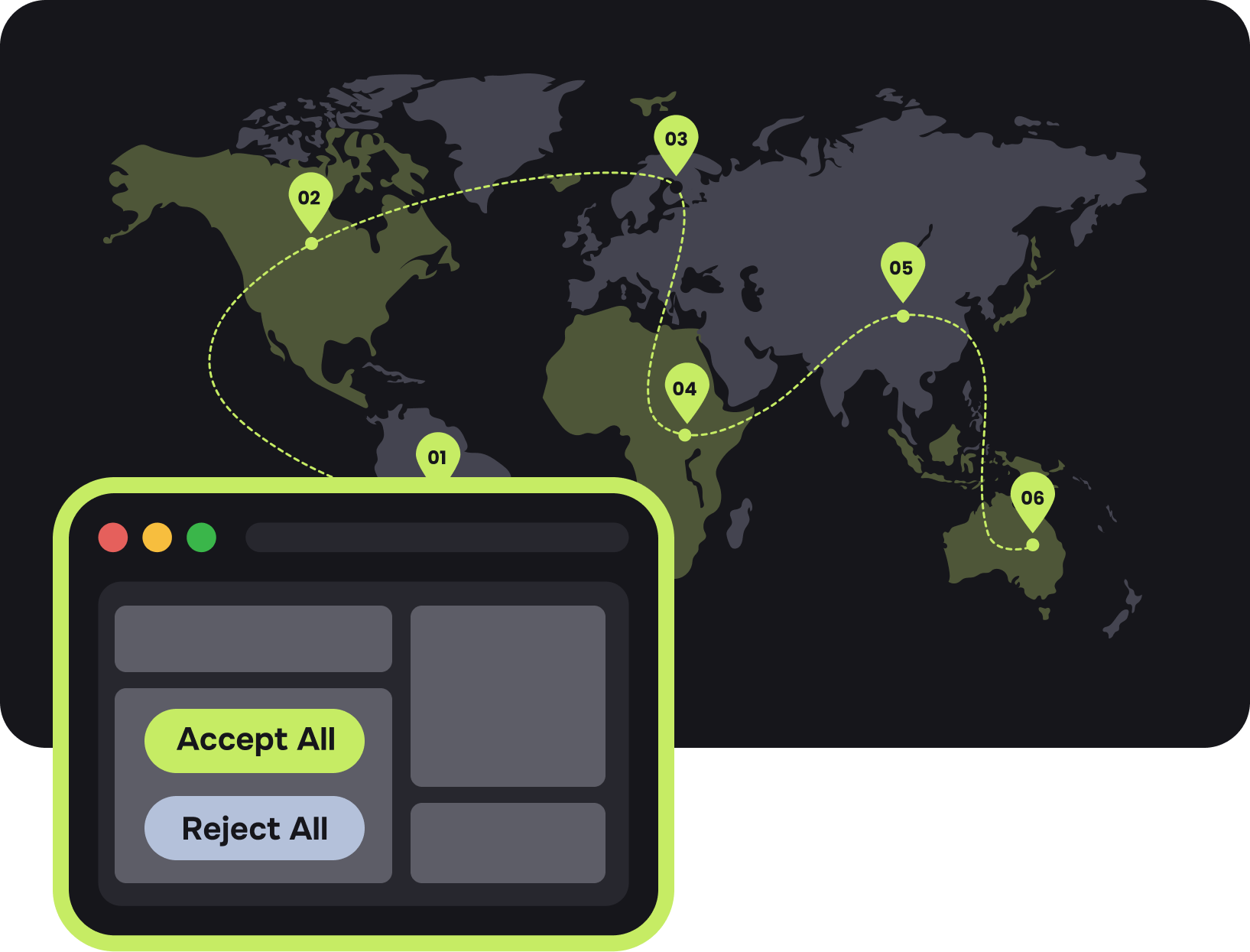
The flow happens between the visitor’s first request and the page render, in five steps:

IP Detection

IP detection

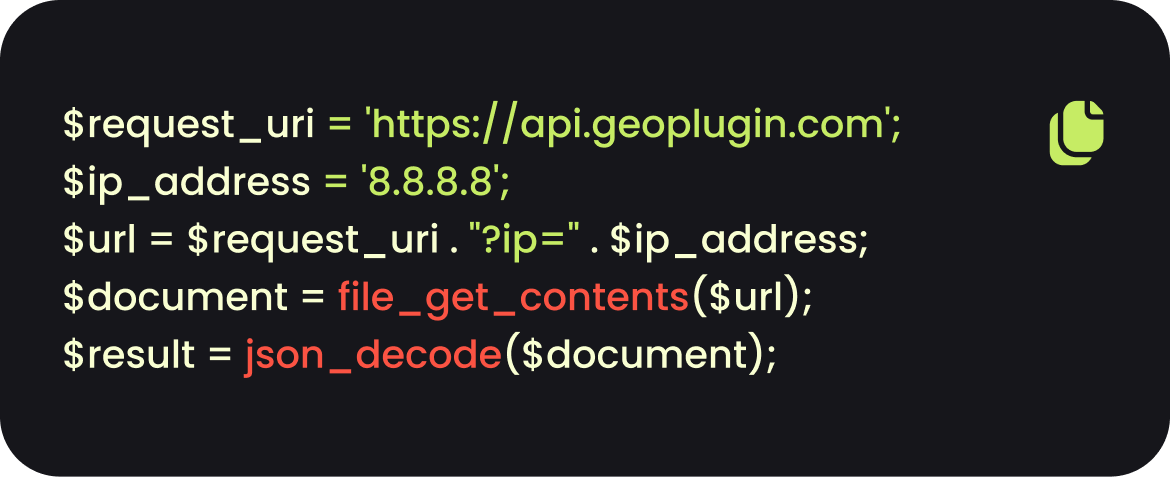
When a visitor lands on your site, GeoPlugin's API resolves their IP address to country, region, and city in roughly 50ms.

IP Detection

Rule matching

The tool checks your configured rules to find the matching banner variant — by country, region, city, or fallback.

IP Detection

Banner display

The matched banner loads with the appropriate language, categories, and consent model.

IP Detection

Consent storage

The visitor's choice is saved locally and synced to a consent log for audit purposes.

IP Detection

Tag firing

Analytics, marketing, and other scripts only load after — and only if — consent is granted.

When Geo Consent Helps

Geo consent isn't the right fit for every site. It pays off most clearly in three situations:

You have international traffic. If your audience spans multiple jurisdictions, a single banner either over-asks or under-asks.

Analytics opt-in matters to you. Strict GDPR banners reduce analytics opt-in rates significantly.

You operate in regulated industries. E-commerce, finance, health, and ad-tech face higher scrutiny.

Geo Consent Banner

Features

The tool covers the standard consent-management feature set, with location awareness layered across each part:

Region-specific banner variants.

Region-specific banner variants. Configure separate banners per country, region, or continent. Set fallback variants for visitors who don't match any rule.

Consent model per region.

Consent model per region. Opt-in for GDPR jurisdictions, opt-out for CCPA jurisdictions, notice-only or no banner where appropriate.

Consent model per region.

Language matching by location. Display banner copy in the visitor's language based on detected country. Supports the major EU languages plus English, Spanish, Portuguese, and others.

Granular consent categories.

Granular consent categories. Strictly necessary, analytics, marketing, and preferences. Visitors can accept or reject by category, as GDPR requires.

Consent logging.

Consent logging. Records of who consented, when, to what, and from where — useful for audits and data subject requests.

Tag manager integration.

Tag manager integration. Connect to Google Tag Manager, Tealium, or custom event listeners so tags fire only after matching consent.

Multiple popup rules.

Multiple popup rules. Create as many region-specific rules as needed, each with its own banner. Pick from ready-made templates or fully custom designs.

Page-level targeting.

Page-level targeting. Display banners site-wide or only on specific pages and subpages.

Display delay and frequency control.

Display delay and frequency control. Show the banner immediately, after a delay, or once per defined time window.

Mobile and desktop variants.

Mobile and desktop variants. Create separate banner designs for mobile and desktop screens to fit each viewport.

Customizable design.

Customizable design. HTML, CSS, colors, layout — fully editable and mobile-responsive by default.

Smart Geolocation Segmentation

Smart Geolocation Segmentation

Targeting works at multiple levels of precision, so you can match banner rules to the level of detail your compliance setup actually needs:

Continent, country, state/region, and city. Show banners to visitors based on any geographic level, with support for all countries, states, and major cities worldwide.

IP address and IP range. Show banners to visitors by specific IP address or full IP range. Useful for targeting known user groups, partner companies, or specific networks.

Radius-based targeting. Use latitude-longitude with a radius to capture an area around a point. Minimum allowable radius is 50km.

Inclusion and exclusion rules. Combine include and exclude rules for precise targeting. For example: don't show consent banners to US visitors except those from California.

Location-agnostic fallback. Display a default banner to visitors who don't match any specific rule. Useful for general audience coverage.

How To Set Up Geo Consent

Setup takes most teams under an hour for a standard three-region configuration (GDPR, CCPA, fallback). The steps:

01

Sign up and get an API key

No credit card required.

02

Define your regions

Decide which countries or regions get GDPR-style consent, CCPA-style notices, LGPD variants, or simplified banners. Most setups use three or four variants.

03

Configure each banner

Choose categories, copy, design, and language per variant. Use ready-made templates or customize from scratch.

04

Connect your tags

Integrate with your tag manager so analytics, marketing, and other scripts respect the consent choice.

05

Add the script

Paste one line of JavaScript into your site footer. The script must load before other tags so consent gates them properly.

06

Test by region

Use a VPN or built-in preview to confirm each region sees the correct banner.

07

Publish and monitor

Review consent logs and opt-in rates per region. Adjust copy and category defaults if rates fall outside expected ranges.

Best Practices

A few habits separate consent setups that work cleanly from ones that quietly leak compliance risk or burn conversion.

Load the consent script before anything else.

Match the offer to the page.

A blog reader wants a related download, not a discount code. A pricing-page visitor wants a demo, not a newsletter. Page-level targeting matters more than headline polish.

Don't use pre-ticked boxes in GDPR regions.

Keep forms short.

Email-only forms typically convert 2–3× better than multi-field forms in exit context. Capture the email first, enrich the profile later.

Make reject as easy as accept.

Don't fire too early.

Visitors who land and immediately bounce were probably on the wrong page. Firing the popup on them wastes the impression.

🔒

Cap the frequency.

Once per visitor every 7 days is a reasonable default. Returning visitors who already dismissed the popup don't need to see it again right away.

Test localized vs. generic.

The lift from geo-targeting depends on your audience mix. A 50/50 split test over two weeks gives you a defensible answer.

Watch mobile UX.

Google's intrusive interstitial guidelines penalize popups that block content on page load. Exit-triggered popups generally fall outside that scope, but full-screen mobile takeovers are still risky — keep them dismissible.


Start in just a few clicks
Get Started
capterra rating Geoplugin
rating starts
google rating Geoplugin
rating starts
google rating Geoplugin
rating starts