Modern marketing depends on accuracy. People want to see offers that match their current location, not random ads that don’t apply. Businesses also want to know exactly where their results come from and how each action performs. That’s why geo marketing tools have become a core part of digital strategies for brands of any size.
We tested nine popular tools ourselves and now share clear, practical reviews based on real use.
Table of Contents
Why Geotargeting Has Become Essential for Modern Marketing
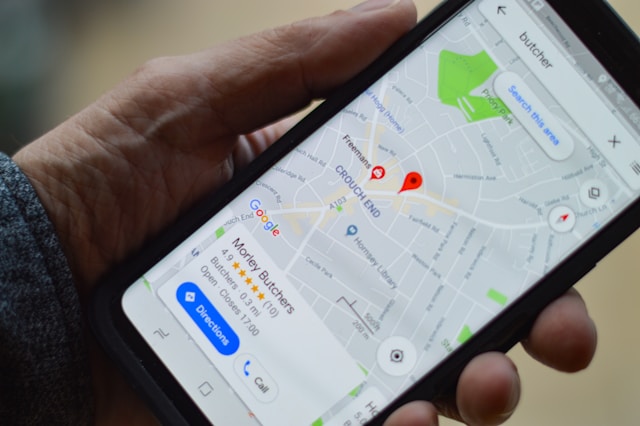
Geotargeting helps marketers show messages to people based on where they are. It does not work only on a country level. Marketers can target a city, a neighborhood, or even a specific spot on the map. For example, a coffee shop can promote morning discounts to people nearby, while an online store can show different offers to users in different cities. This approach makes marketing messages more useful and relevant for users.
Any geo targeting advertising platform lets marketers segment their audience by location and adjust messages to local needs. Brands stop wasting budget on random impressions and focus on people who are more likely to care about the offer. These tools also help teams understand how users behave in different areas and make smarter marketing decisions.
Why geotargeting matters today:
- Shows relevant offers in the right place
- Reduces spending on ineffective ads
- Improves how users interact with campaigns
- Provides data for planning future promotions
- Increases overall marketing performance
How Marketers Use Geotargeting in Real Campaigns
Imagine a travel app that shows special hotel deals only to users currently in Paris, Rome, or Barcelona. Instead of sending the same message to everyone in Europe, the app highlights local attractions and restaurant discounts only to people in these cities. This way, the offers feel personal, timely, and useful for travelers already in those locations.
Geotargeting works well for:
- Online services with limited market availability
- Apps launching in new countries or cities
- E-commerce stores with regional pricing or shipping
- Brands testing performance across different markets
- Companies that scale campaigns step by step by location
This approach helps marketers focus on the right people, avoid wasted spending, and deliver messages that really matter.
How to Choose the Right Geotargeting Platform for Your Business
Think about what you want to do first. Let’s say you are sending a campaign to people in London and Berlin. You need a geotargeting platform for marketers that shows and adapts messages for each city.
Also, think about your budget. Some platforms cost a set price per service, and others take money for each click or view. Pick one that is more convenient for your campaigns and your wallet.
Look for features that make your life easier:
- Connect easily with your current tools like CRM, email, or analytics
- Personalize content for different regions or groups
- Get clear reports to see what works and what doesn’t
- Set up campaigns for several cities or countries without extra hassle
The right platform helps you reach the right people, spend your budget wisely, and attract new customers without extra effort.
Top 9 Best Marketing Tools for Geotargeting
There are lots of geomarketing tools today, and most of them help show ads to the right people in the right place. Here, we’ll look at 9 popular platforms that let businesses change content and ads for specific cities, neighborhoods, and audiences.
Google Ads — Location-Based Search & Display Advertising
Google Ads helps businesses show ads on Google search and other websites, targeting by city, neighborhood, or country. It works for small local shops, restaurants, and big brands that want to reach people in certain areas.
You can show ads within a certain distance from a location, choose when ads appear, and track who clicks or buys. This way, businesses can see what works in different places and make ads more relevant for each audience.
Key features:
- Target by location and distance
- Schedule when ads show
- Track clicks and conversions
Meta Ads (Facebook & Instagram) — Advanced Location Targeting
Meta Ads helps businesses show ads on Facebook and Instagram to people in specific areas. Brands can change content for local holidays, events, or what people like, so ads feel more useful and interesting.
You can split your audience by age, interests, and other details. The platform also shows how ads perform and helps manage your budget better. This way, businesses reach the right local people and get more results.
Key features:
- Local targeting
- Audience segmentation
- Campaign analytics
GeoPlugin — Flexible Geotargeting for Websites and Campaigns
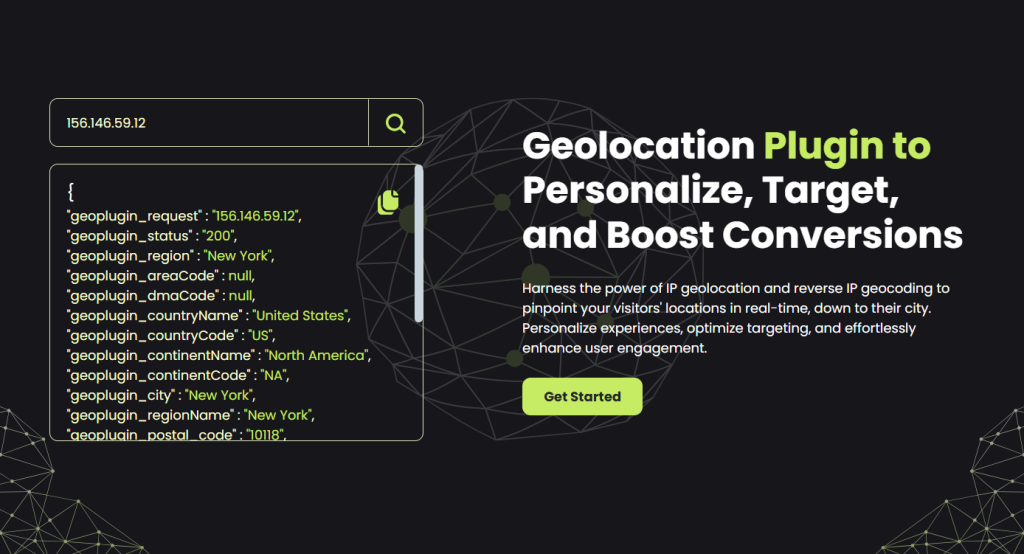
GeoPlugin is a modern tool that helps personalize content for any location. Businesses can show users offers that match their location, which improves campaign performance and audience engagement.
The platform provides an API for different programming languages (JavaScript, PHP, XML, JSON, ASP, CSV) and does not require extra installation or an API key. GeoPlugin handles over 1 billion requests per month and works in more than 195 countries with 99.9% uptime.
Key features:
- Geolocation API / Location IP Lookup
- Geo Redirect and Geo Links
- Promo Popups and Geo Bars
- Free geolocation tools
Microsoft Advertising (Bing Ads) — Search-Based Geotargeting
Microsoft Advertising helps businesses show ads to people in certain cities, neighborhoods, or ZIP codes. You can run search, display, video, and shopping campaigns all at once. For example, a store in London can show winter clothes ads in colder areas and summer items in warmer spots, making the ads more useful and likely to sell.
It also has an AI helper called Copilot that makes ad images and text fast, saving time and getting more attention. Tools like Microsoft Clarity show how visitors use your site so you can tweak campaigns to work better. You pay per click, no minimum fee, and you can control your daily budget.
Key features:
- Target ads by city, neighborhood, or ZIP code
- AI helper for quick ad creation
- Analytics to see how users interact and how campaigns perform
Foursquare — Location Intelligence and Foot Traffic Insights
Foursquare helps businesses show ads to people where they actually go. The platform uses data from thousands of shops, cafes, restaurants, and other places, so brands can see where people spend their time.
This lets you target not just cities or neighborhoods, but people who really visit the spots you care about. For example, you can create a “geofence” around a store or event, and the ads show only to people who go there or pass by. The platform also gives insights into how your audience behaves, so you can improve campaigns and bring more people into your store.
Key features:
- Create geofences to show ads in the right places
- Segment your audience by where they actually go
- Analytics to improve campaigns and boost foot traffic
AdSquare — Geo-Contextual and Proximity Marketing
AdSquare helps businesses show ads to people in the right places. It uses data about where people go and how they move, so campaigns feel more accurate. For example, a store can target ads to people who often walk near its location instead of everyone in the city.
The platform also shows how many people actually visit a store after seeing an ad. This helps teams improve campaigns while they run and understand which messages bring real visitors.
Key features:
- Builds audiences based on movement and visited places
- Targets people who are close to specific locations
- Measures real store visits and foot traffic
Thinknear — Geofencing and Retargeting Solutions
Thinknear works as part of inMarket. InMarket bought the company to build better tools for ads based on real locations. Together, they help brands reach people when they visit stores, malls, or events.
The platform lets you set virtual borders around places and show ads to people when they come in or leave. You can also reach people again after they visit once. This works well for local stores that want more repeat visits and better results from ads.
Key features:
- Geofencing around stores and locations
- Retargeting people who already visited
- Reports that show results by location
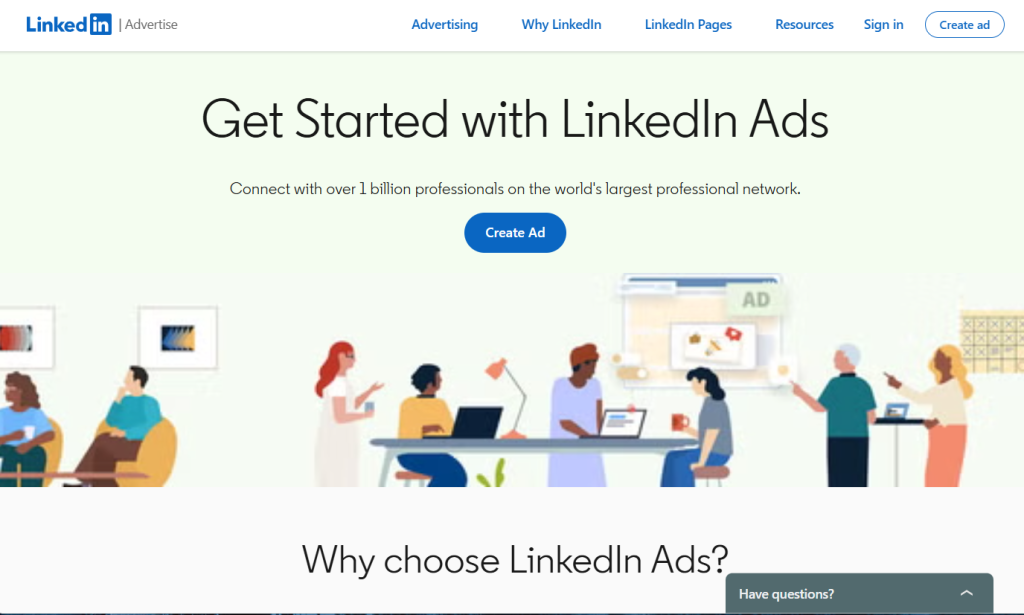
LinkedIn Ads — B2B Geotargeting by Region and Industry
LinkedIn Ads lets you target companies and professionals in specific regions and industries. The platform works well for B2B marketing, where clear targeting and relevant messages matter.
You can match your message to professional interests and track how ads perform across regions and industries. This helps you improve ROI and show content only to people who are likely to care about your product or service.
Key features:
- Location and industry targeting
- Content personalization
- ROI analytics
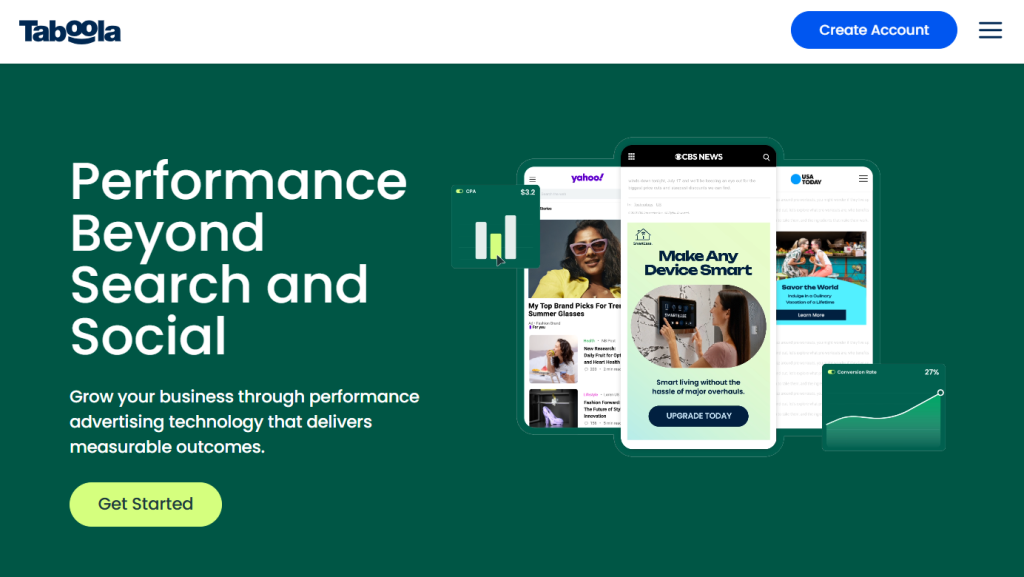
Taboola — Native Advertising with Geo Targeting
Taboola promotes content on popular websites based on user location. The platform helps brands reach active audiences in the right regions and keep ad spending under control.
You can set ads by city or country, track campaign results, and adjust costs as you go. This keeps messages relevant for each region and helps avoid wasted clicks.
Key features:
- Geo-targeting for native ads
- Placement on high-traffic websites
- Pay-per-click pricing
Advertising Platforms vs Geotargeting Software: What’s the Difference?
Not all marketing tools work the same. Geo targeting software for marketers focuses on changing what users see on your website or app depending on their location. Advertising platforms, on the other hand, mostly show ads in search engines or social media.
| Feature/Tool Type | Advertising Platforms (Google Ads, Meta Ads) | Geotargeting Software (GeoPlugin, AdSquare) |
| Main Goal | Show ads to people | Show different content based on location |
| Personalization | Medium – can choose city, country, age | High – fully change messages, offers, popups |
| Best Use | Quick ad campaigns, brand awareness | Local promotions, website content, special offers |
| Example | Facebook ad for London users | GeoPlugin shows London visitors one offer and Manchester visitors another |
| Budget Control | Pay-per-click or daily limits | Flexible, often subscription or API-based |
So, use advertising platforms if you want a fast reach. Use geotargeting software if you want to make messages more personal and relevant by location.
Best Practices for Using Geotargeting Tools Effectively
To get the most from geotargeting, you need to know where your users are and show them messages that match their needs. Here are some easy tips to make your campaigns work better.
Match Location Data With User Intent
Show offers that people actually want in their area. For example, winter jackets in northern cities and swimsuits in coastal regions.
Avoid Over-Targeting and Message Fragmentation
Don’t overwhelm people with too many super-specific ads. Make clear user groups and simple campaigns – people respond better to straightforward messages.
Test, Measure, and Optimize by Location
Check how your ads perform in different cities or areas. See what works and improve your campaigns to spend money wisely and get better results.
Common Mistakes Marketers Make With Geotargeting
Even skilled marketers make mistakes with geotargeting. Knowing the common errors helps save money and get better results.
Common mistakes:
- Targeting too much or too little – Ads go to people who don’t care, or you split your audience into too many tiny groups.
- Ignoring local needs – Showing messages that don’t match what people in the area want.
- Skipping regular checks – Not looking at how campaigns perform in different locations.
- Forgetting mobile users – Many people search on phones, so you miss them if you ignore mobile users.
- Using wrong or old location data – Ads show up in the wrong place if the data isn’t accurate.
Who Benefits Most From Geotargeting Tools
Geotargeting is great for businesses that want to show the right message to people in the right place. It helps avoid wasting money on ads for people who aren’t interested.
Who gets the most from it:
- Local shops and restaurants – Show special deals to people in the area.
- Online stores with regional options – Display products, prices, or shipping based on the user’s city or country.
- Event planners – Promote events to people living close or planning to visit.
- B2B companies – Focus on certain industries or offices in specific areas.
- Travel and tourism businesses – Target potential travelers based on where they are or where they want to go.
This helps businesses connect with people who are more likely to buy or respond.
Final Thoughts: Choosing the Best Geotargeting Tools for Your Strategy
Choose geotargeting tools based on your business goals, the type of content you have, and your budget. If you want to launch ads quickly, platforms like Google Ads or Meta Ads work best. If you need deep personalization and local content, GeoPlugin is a great choice.
Combine different platforms, test results in each region, and adjust your campaigns to get the highest ROI. Geotargeting doesn’t just show ads. It creates relevant experiences for each user and helps you connect with customers more effectively.